





How do I customise/design my card?
Once you place your order, our designer will contact you within 24 hours to collect your details (your logo, name, designation, etc.) and share design of your custom card for your approval.
Couldn't load pickup availability


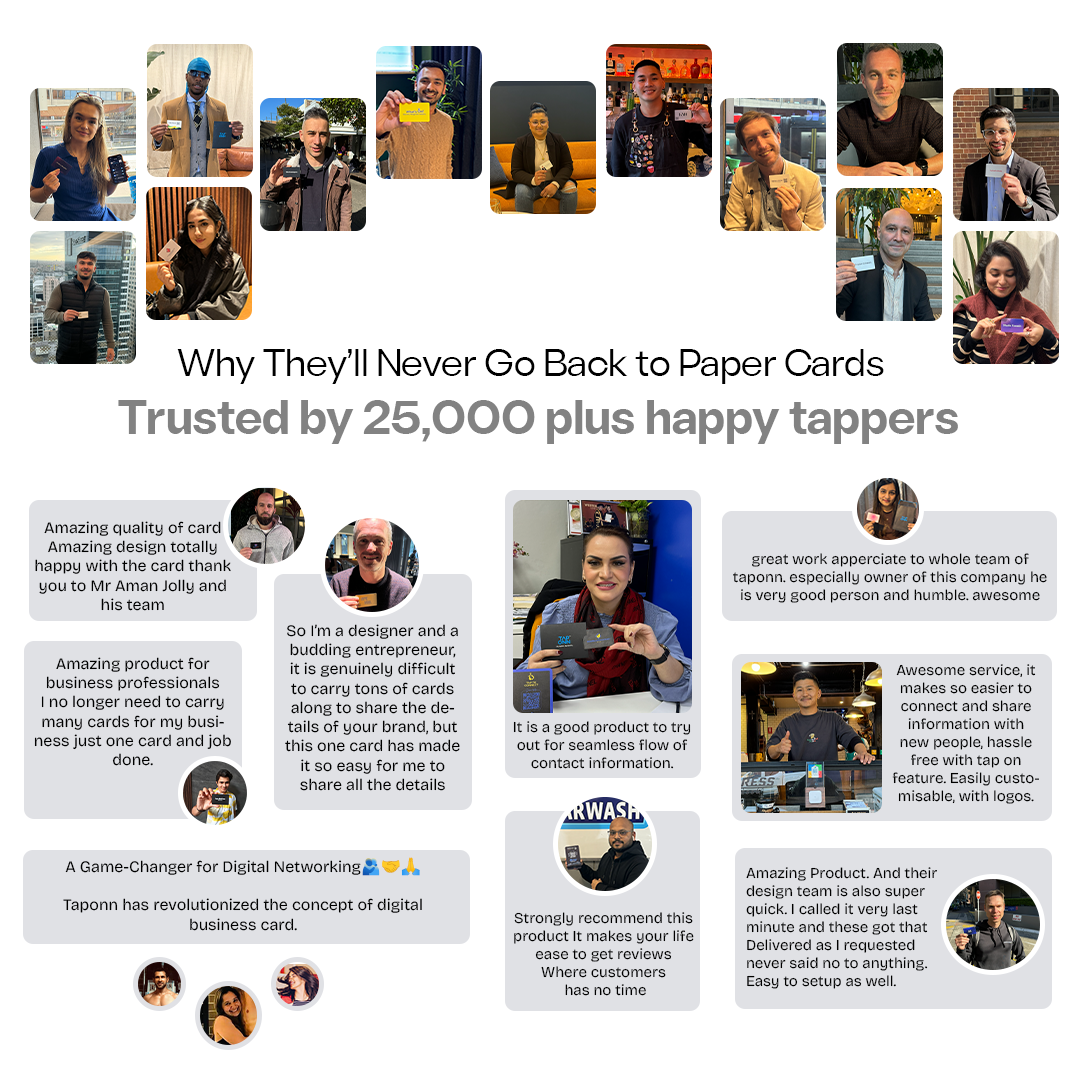
Watch How Professionals Use TapOnn In Everyday Networking
Top professionals and team around the world
Trust TapOnn


Step 1 - Tap
Simply tap the phone on the google review card

Step 2 - Rate
You will be redirected to the Google review page.

Step 3 - Done
Write your review and submit. As simple as that!

SEO Boosting
Get higher Google rankings and more customers with numerous positive reviews.
Set It & Forget It
Skyrocket traffic and sales with easy, one-touch reviews and top Google SEO rankings!
Rank #1 On Google
Easily surpass your competitors with quick, hassle-free reviews! Become the top-rated business in your area instantly.
90-Day Guarantee
Works with NFC-enabled phones (2016 models onward), similar to Apple Pay and Google Pay.
GETTING STARTED
We Handle It All For You
No tech confusion. No design stress. From setup to launch, TapOnn takes care of everything — so you can focus on growing your business.
Choose Your Card
Select your preferred finish, material, and style. Pick the card that best represents your brand.

We Design It For You
Share your logo and brand details after checkout. Our in-house design team creates a premium layout for your approval.

Create Your Digital Profile
Link your digital profile or review page to the card. Let customers tap or scan to instantly connect, explore, or leave a review.
GETTING STARTED
How to Use TapOnn Card & App
Tap your card against any smartphone to instantly share your contact details and social media—no receiver app needed.
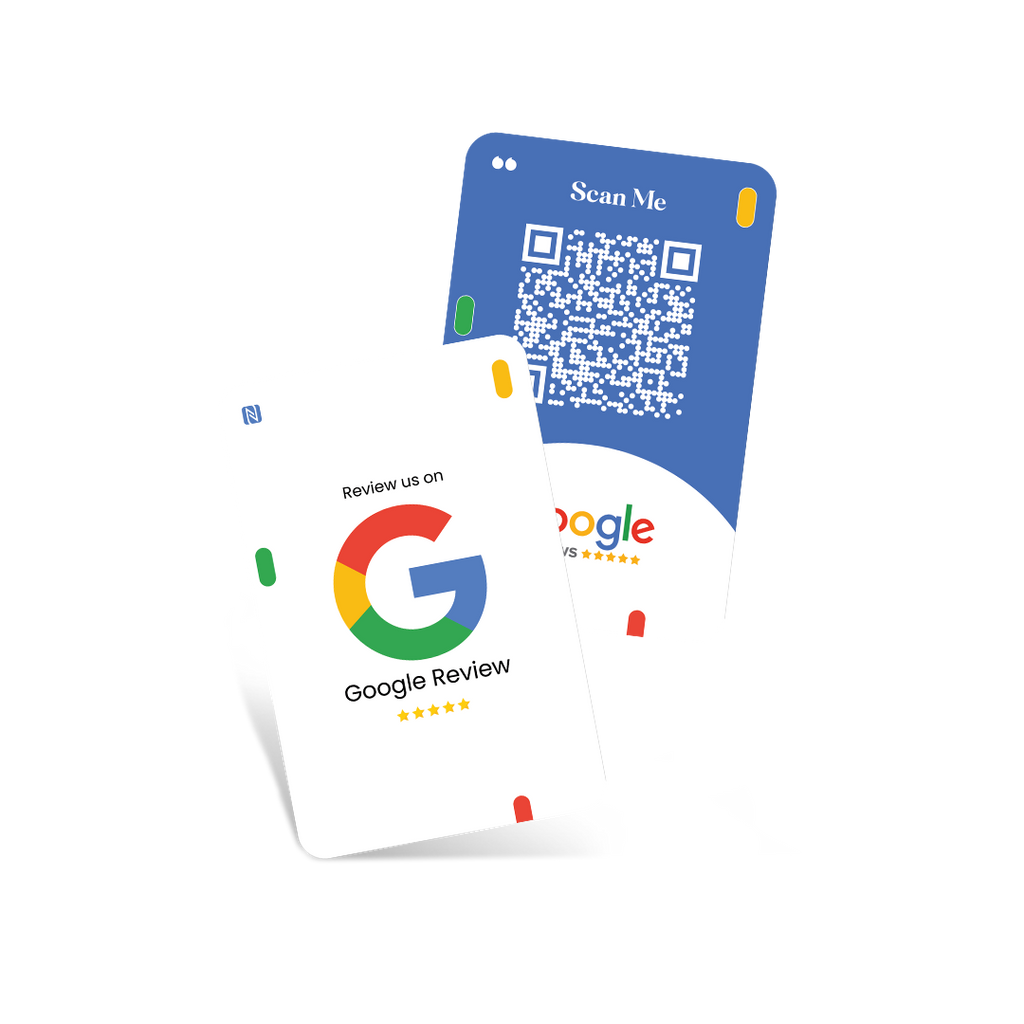
Review Card Design
Once you order, our designer will contact you within 24-48 hours to create your custom NFC card.
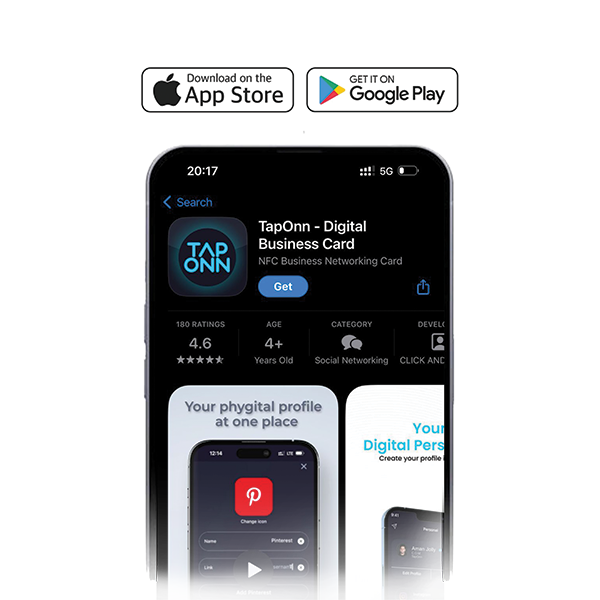
Download The App
Download the TapOnn app from the Play Store or App Store, and set up your digital profile with contact details, social links, and more.
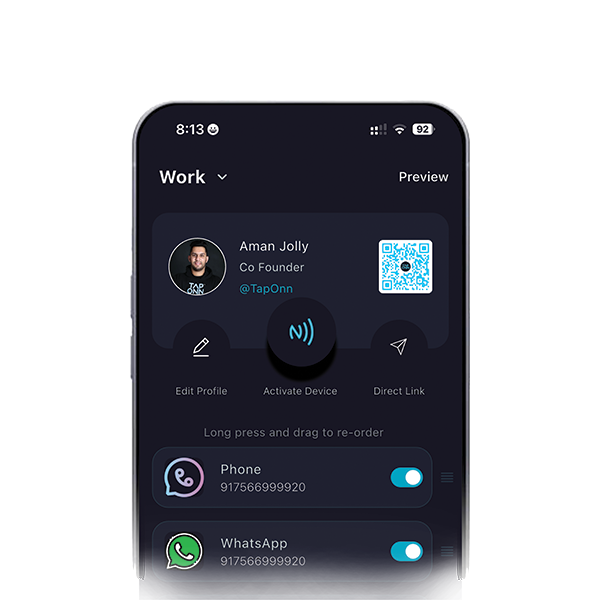
Activate Your Review Card
When your card arrives, log in to the app, click “Activate Device,” and link the NFC chip and dynamic QR code to your profile.
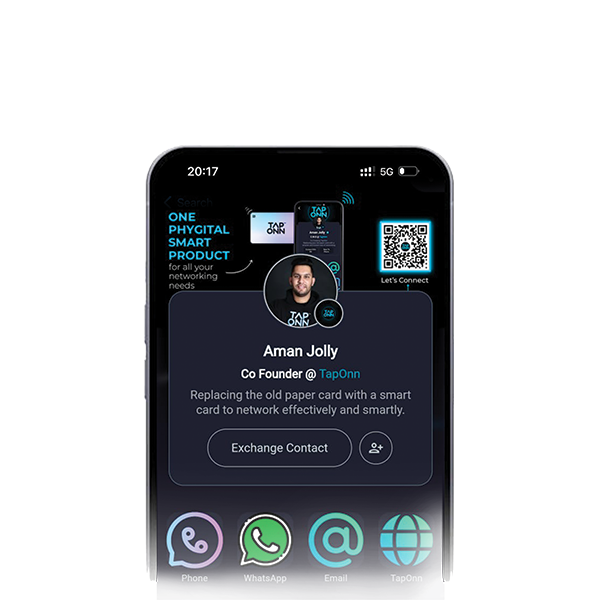
Share Your Info
Now, you can share your information by tapping your NFC card on any phone or asking others to scan your QR code.
Real Results. Real Connections.

Our team shares review cards after service. Customers tap and leave reviews within seconds. It has helped us grow faster online.
Cafe Owner

Since using review cards, our listing looks more active. More reviews brought more customer trust.
Restaurant Owner

Collecting reviews is no longer difficult. It is simple, quick, and effective with TapOnn review cards.
Salon Owner
Testimonials





FAQs
How does it work?
TapOnn Direct Cards and Stickers come pre-programmed with a single link. Using our TapOnn Direct feature, you can send users straight to your chosen destination — most commonly to platforms like Google Reviews, Instagram, LinkedIn, or your website. One tap or scan, and your customer is right where you want them.
Can I add my logo and other design details?
Yes! All TapOnn Direct Cards and Stickers are custom-designed. You can add your logo, brand colours, taglines, or any other branding elements.
What’s the benefit of using this?
These tools are powerful for teams and staff members — simply hand them a card or place a sticker at their station. They can then collect reviews, drive social follows, or capture leads with every customer interaction, boosting your visibility and credibility instantly.
Can it be used on all smartphones?
Absolutely. Whether it’s an iPhone or Android, users can either tap (NFC-enabled phones) or scan the QR code to get directed to their preferred link. No app is required!
Can I update the link later?
Yes! Even after printing, you can log into your TapOnn dashboard and change the destination link anytime. The physical product remains the same — only the digital path updates in real time.
What is the 2-year manufacturing warranty?
All TapOnn Direct Cards and Stickers come with a 2-year warranty covering:
NFC chip malfunction
Design fading or printing issues
Structural damage under normal use
We stand by the quality and durability of our products.
SHOP MORE
You may also like


